Wacom
Showing 16–30 of 43 results
-
Graphics tablets
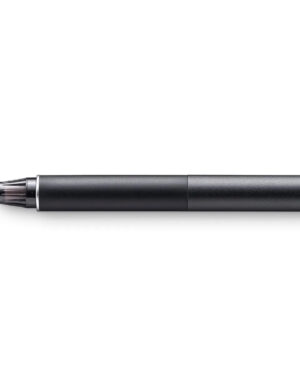
Wacom Finetip Pen
Sketch the smallest details on paper with the Wacom Finetip Pen. Its 0.4 mm nib* and black gel ink cartridge pack the latest creative pen technology. Elevate your work with 8,192 pressure levels, giving you the familiar feeling of ink on paper.
*Wacom Finetip FT 0.4 refills must be used to replace the gel ink cartridge. **When used with Wacom Intuos Pro (Medium or Large) and Wacom Paper Clip, the tablet can capture every stroke digitally while you draw. ***Five refills come as standard. Wacom Finetip Pen is included in Wacom Intuos Pro Paper Edition and can be purchased as a replacement pen.
Compatible with: Wacom Intuos Pro (PTH-660, PTH-860)
SKU: WAC-KP-132-00DZ -
Graphics tablets
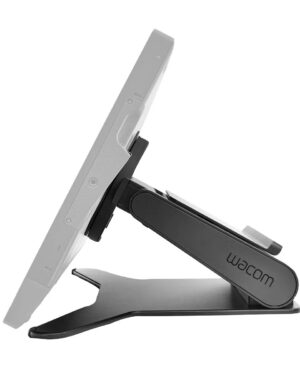
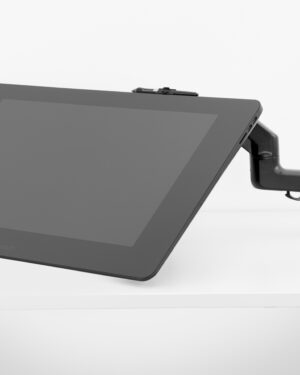
Wacom Flex Arm for Cintiq Pro 24 & 32
The Wacom Flex Arm with cable management delivers flexibility, design and comfort. Incline, pan and rotate your Cintiq 24 or 32 at your convenience. Mount your Cintiq Pro on your desk, the edge of your desk or as free-floating monitor with a reach of 30” across the desk. The Wacom Flex Arm is sturdy enough to support pressure while using – better than any other display arm.
- For comfortable drawing and working
- Ulitmate flexibilty in positioning and placement
- Reach across 30” desk
- Less bounce
- Good cable management
SKU: WAC-ACK-628-03-K-Z -
Graphics tablets
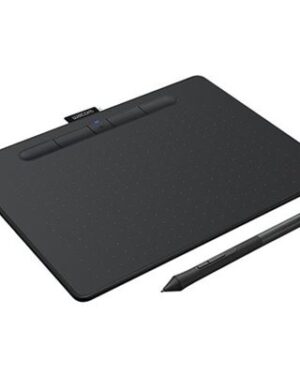
Wacom Intuos M Bluetooth Berry
Create what you want, the way you want
A pen tablet designed entirely around your passion, the Wacom Intuos gives you all the tools you need to enhance your creativity. And its versatility and ease-of-use means you can customize Wacom Intuos to fit your own way of working. Whether you love to draw manga art, paint digital watercolours or retouch your photos, you can tailor the pen tablet to suit your style, your way.
SKU: WAC-CTL-6100WL/P0-C -
Graphics tablets
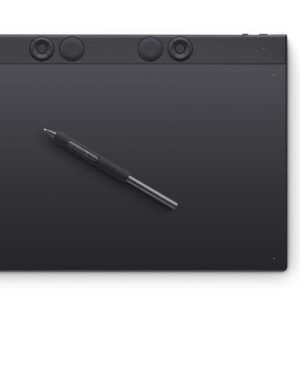
Wacom Intuos Pro Pen Tablet (large)
The Intuos Pro drawing tablet, Wacom’s flagship tablet, combines cutting-edge pen technology with unmatched precision, comfort, and versatility to help creators achieve the perfect harmony between work and flow. Designed with professional needs in mind, it’s the only Wacom graphic tablet featuring the customizable Pro Pen 3, which allows you to adjust the grip, weight, and button configuration for a personalized experience with Wacom’s most sensitive and accurate pen technology. This art tablet’s ergonomic layout includes intuitive Dials and ExpressKeys, located at the top of the tablet and easily accessible for both left- and right-handed users. At its thinnest, Intuos Pro is only 4mm, and is built with durable magnesium, it’s portable yet rugged, ideal for studio or on-the-go use. With three sizes to suit any style, whether for detailed editing or expressive art forms – Intuos Pro integrates seamlessly with creative software and supports Bluetooth connectivity. It’s also compatible with previous generation Wacom Pro Pens and EMR styluses from brands like LAMY and STAEDTLER.
SKU: WAC-PTK870K0C -
Graphics tablets
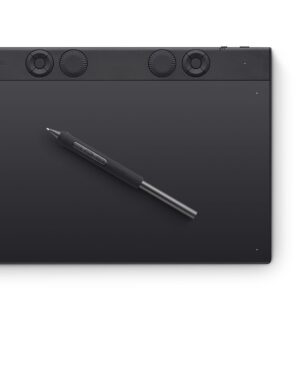
Wacom Intuos Pro Pen Tablet (medium)
The Intuos Pro drawing tablet, Wacom’s flagship tablet, combines cutting-edge pen technology with unmatched precision, comfort, and versatility to help creators achieve the perfect harmony between work and flow. Designed with professional needs in mind, it’s the only Wacom graphic tablet featuring the customizable Pro Pen 3, which allows you to adjust the grip, weight, and button configuration for a personalized experience with Wacom’s most sensitive and accurate pen technology. This art tablet’s ergonomic layout includes intuitive Dials and ExpressKeys, located at the top of the tablet and easily accessible for both left- and right-handed users. At its thinnest, Intuos Pro is only 4mm, and is built with durable magnesium, it’s portable yet rugged, ideal for studio or on-the-go use. With three sizes to suit any style, whether for detailed editing or expressive art forms – Intuos Pro integrates seamlessly with creative software and supports Bluetooth connectivity. It’s also compatible with previous generation Wacom Pro Pens and EMR styluses from brands like LAMY and STAEDTLER.
SKU: WAC-PTK670K0C -
Graphics tablets
Wacom Intuos Pro Pen Tablet (small)
Pro Pen 3 offers amazing precision, 8192 pressure levels, tilt support & lag-free tracking for smooth, precise strokes; choose slim, straight or flared grip, adjust balance & button layout for precision and comfort
Speed up and stay in the creative flow with 5 customizable tablet ExpressKeys & a mechanical Dial conveniently located at the top of the tablet and close to your keyboard for efficiency
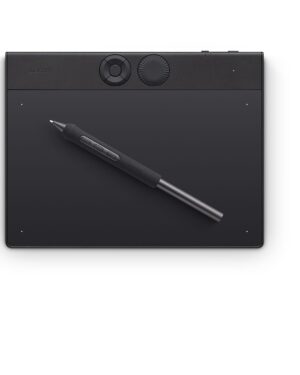
With a versatile 16:9 format perfect for multiple monitors and wide displays; small size has a large active area with a small footprint 8.4″ x 6.4″ / 215 x 163 mm
Measuring 4mm at its thinnest this professional-grade drawing tablet feels like pen-on-paper on your desk, combined with the robust durability of magnesium making it equally suited for your office or life on the go
Use Intuos Pro with USB or connect wirelessly via Bluetooth to multiple computers with a simple switch
System Requirements: USB-A or USB-C port, Windows 10 or later/Mac OS 13 or later, Bluetooth for wireless connection to computer/sSKU: WAC-PTK470K0C -
Graphics tablets
Wacom Intuos Pro S
The Wacom Intuos Pro small is designed for drawing, painting, or photo editing on a Mac or PC. This slim, compact pen tablet is built to last and features a 7-inch active area, three unique creative application tools, and the pressure-sensitive Wacom Pro Pen 2.
SKU: WAC-PTH-460/K0-C -
Graphics tablets
Wacom Intuos4/5 & Cintiq 2nd Gen Grip Pen
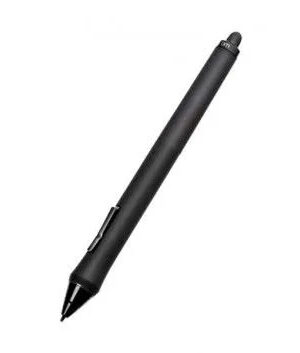
Sensitive to pressure and tilt, the Grip Pen is an all-purpose tool for drawing, erasing, and mouse operations. As an accessory, the Grip Pen ships with an Intuos4 pen stand, 3 Standard Nibs, 1 Stroke Nib, 1 Hard Felt Nib, and 1 Flex Nib.
SKU: WAC-KP-501E-01DB -
Graphics tablets
Wacom Movink 13
13.3″ Full HD 1920 x 1080 Touchscreen
11.6 x 6.5″ Active Area
2 x USB-C Ports
8192 Levels of Pen Pressure Sensitivity
1.07 Billion Colors
100% DCI-P3 / 95% Adobe RGB
2 x ExpressKey Buttons
Wacom Pro Pen 3 Included
Includes Standard & Felt Pen Nibs
Windows, macOS, ChromeOS & AndroidSKU: WAC-DTH135K0C -
Graphics tablets
Wacom MovinkPad 11
ALL-IN-ONE DESIGN: 11.45″ Android 14 tablet, 8 GB memory/128 GB storage, battery-free, slim barrel Pro Pen 3, no computer needed; comes with Wacom Canvas sketching app and 2 years of Clip Studio Paint Debut
QUICK DRAWING READY: Tap and hold the pen on screen to instantly launch Wacom Canvas and start sketching the moment inspiration strikes, just like opening a sketchbook – seamlessly transition to other apps to refine your drawing
BEST-IN-CLASS PEN PERFORMANCE: Designed for MovinkPad, this slim barrel version of Wacom Pro Pen 3, delivers 8,192 pressure levels, has three buttons, and comes with replacement nibs stored in the pen’s back end
PAPER-LIKE DRAWING EXPERIENCE: bright, sharp display with matte etched glass surface that feels like paper with subtle texture – reduces glare and fingerprints so you can focus on creating without distractions
THIN, LIGHT, PORTABLE: Weighs just 1.3lbs, lighter than most laptops and easily fits in a bag or backpack, supports popular digital pens (Dr. Grip, LAMY, STAEDTLER); goes wherever a sketchbook can goSKU: WAC-DTHA116CL0Z -
Graphics tablets
Wacom MovinkPad Pro 14
PORTABLE ALL-IN-ONE DESIGN: Thin, lightweight frame houses a creative studio powered by Android 15 OS w/included creative apps plus Google Play Store access – take professional-grade digital art anywhere without extra equipment
POWERFUL PERFORMANCE SPECS: Snapdragon 8s Gen 3 processor with 12GB RAM delivers smooth performance during memory-intensive tasks and 256GB storage plus expandable SD slot provides ample space for all your creations
STUNNING 14″ OLED DISPLAY: Crisp 3K (2880 × 1800px) resolution with wide color gamut (100% sRGB & DCI-P3) for vivid colors and true blacks, with Premium Texture etched glass delivers pen-on-paper feel with zero parallax
BEST-IN-CLASS PEN PERFORMANCE: Designed for MovinkPad, this slim version of Wacom Pro Pen 3 delivers 8,192 pressure levels, never needs charging and includes replacement nibs stored in the pen’s back end
INSTANT PEN DISPLAY MODE: Exclusive Wacom Lab beta feature can transform your MovinkPad Pro into a wired or wireless pen display for Windows/Mac enhancing productivity and flexibility for creative tasks like drawing, design, and document editing
HOW TO GET STARTED: The first place to start is the ‘Wacom Tips’ app. This app will guide you through the functions of each application, hardware settings, and how to get the included Clip Studio Paint special offerSKU: WAC-DTHA140L0Z
Brother TZeS131 Labelling Tape 12mm x 8m Black on Clear
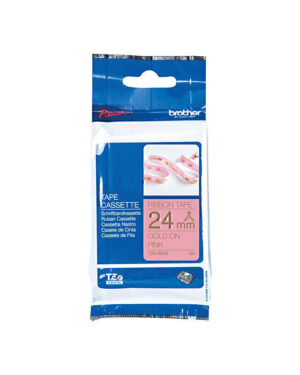
Brother TZeRE54 Labelling Tape 24mm x 4m Gold on Pink
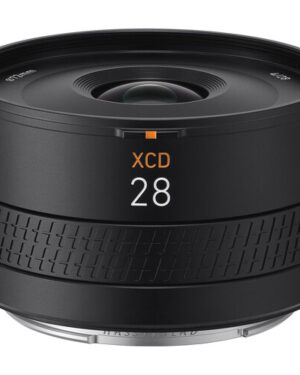
Hasselblad XCD 28mm f4 Compact P Lens
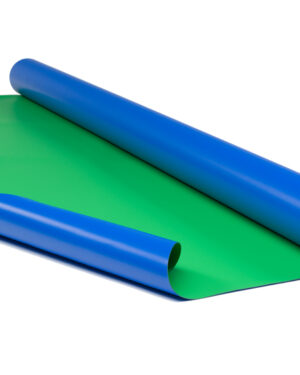
Rosco Chroma Floor Blue/Green 1.6m /Lin.M
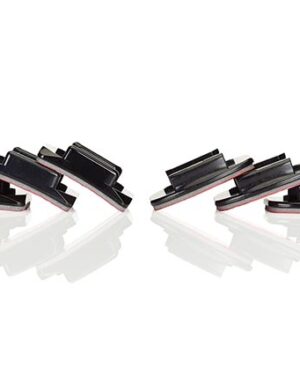
GoPro Flat + Curved Adhesive Mounts
Nikon Nikkor Z 28-75mm F/2.8
Wacom MovinkPad 11