-
×
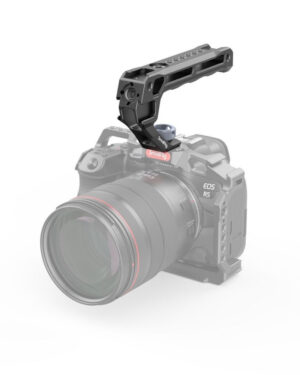 SmallRig ARRI Locating Top Handle (Lite) 3765
1 × $39.90
SmallRig ARRI Locating Top Handle (Lite) 3765
1 × $39.90 -
×
 Sekonic i-346 ILLUMINOMETER
1 × $370.00
Sekonic i-346 ILLUMINOMETER
1 × $370.00
Subtotal: $409.90
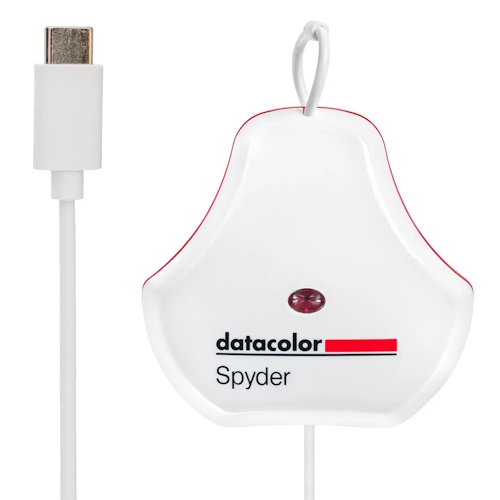
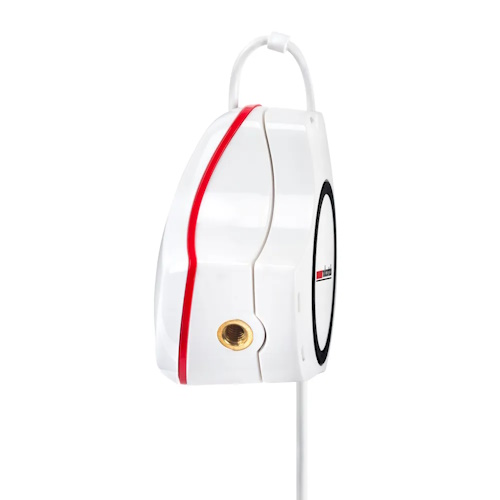
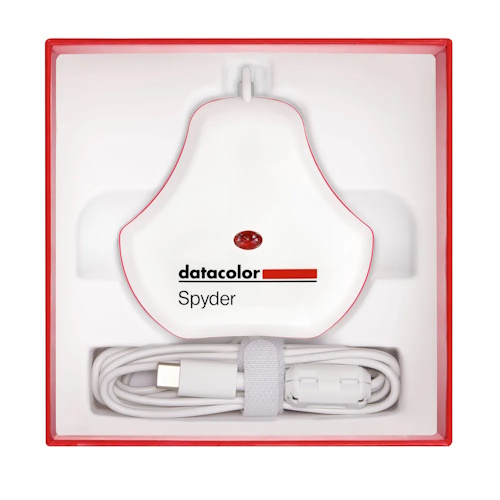

$249.00
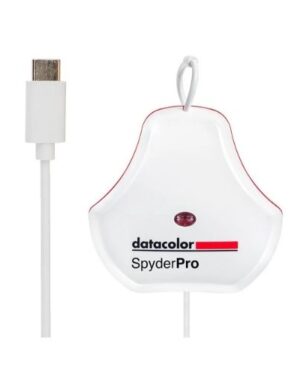
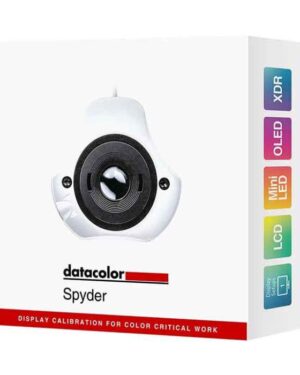
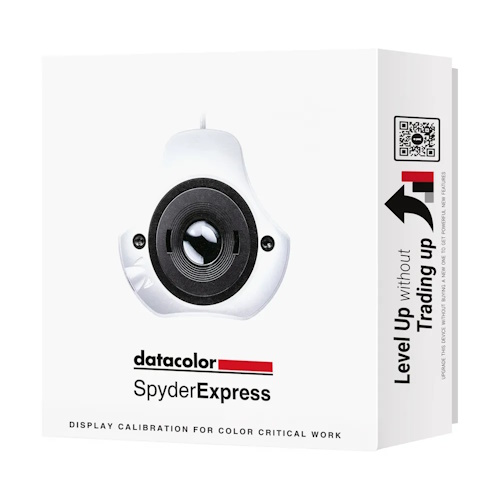
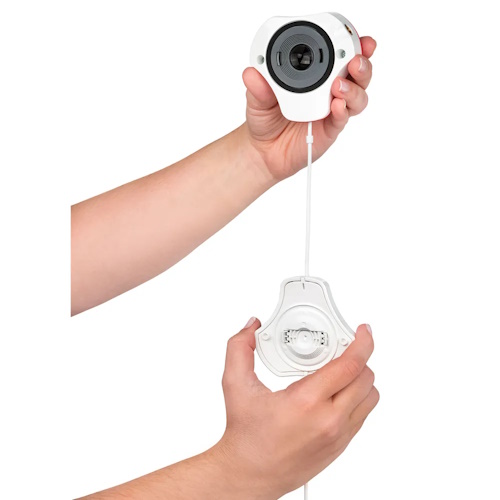
SpyderExpress gives creators the fastest way to optimize their screen in just three simple steps—for vivid, consistent colour across most laptop and desktop displays, including the latest Apple MacBook® M4. Whether you’re fine-tuning skin tones, shadows, or bright highlights, SpyderExpress helps ensure what you see is what others see too – on social media, in print, or wherever you share your work.
No more second-guessing. From your first edit to the final share, your screen becomes a dependable creative tool—So you can move faster and share with confidence, knowing your work will show up exactly as you envisioned.
And when you’re ready for more, SpyderExpress grows with you. It’s the only screen optimization system designed to unlock powerful new features with a simple software upgrade – no new hardware needed. Whether you’re just starting out or levelling up, it’s a smart investment that evolves with your creativity.
Key Feature Highlights – SpyderExpress
Fast, three-step screen optimization for consistent color on any display. Share your work with confidence. Upgrade anytime to unlock pro tools—no new hardware required.
Fast, Confident Color – In Just 3 Steps
True-to-Life Results You Can Trust
Works Where You Create
Grows With You
Made for Mobility
System Requirements:
Supported Languages:
English, French, Italian, German, Spanish, Russian, Japanese, Simplified Chinese,
Traditional Chinese, Korean
What’s Included:
| Brand |
|---|
Display Calibration System
Rec. 709 & Rec. 2020 Calibration Targets
Gamma Curve Adjustment
90-Second Calibration Time
Supports a Wide Range of Monitors
Match Color Across Multiple Displays
Advanced Display Mapping & Analysis
Device Preview Beta
Integrated USB-C Cable
Windows and Mac Compatible
Precise Screen Color and White Balance
Supports a Wide Range of Monitors
90-Second Calibration Time
Device Preview Beta
Adapts to Shifts In Light
CheckCal Calibration Checker
One-Click Calibration Presets
Integrated USB-C Cable
Portable and Rugged Design
Windows and Mac Compatible
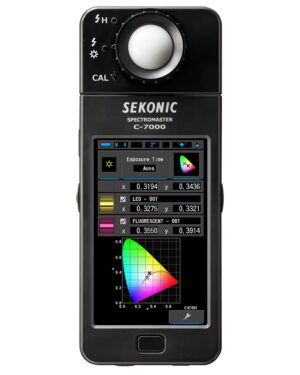
The SpectroMaster C-7000 Colour Meter from Sekonicis a portable handheld spectrometer, designed especially for industrial use. Utilizing Sekonic’s CMOS linear image sensor design and software, the C-7000 can measure every light source (LED, HMI, fluorescent, natural light, and electronic flash spectrum) with remarkable precision and data feedback.
With the overwhelming popularity of new light sources such as advanced LED and Organic Electroluminescence, the need to understand, manage and control these sophisticated illumination systems is essential. Manufacturing quality and processes along with varying colour and illumination qualities can often result in consistency issues. To address these lighting challenges, Sekonic has created the C-7000 to offer advanced precision lighting control for the Photo, Video, and Cine industries.
Incident Metering for Ambient and Flash
Luminance Range: 1 to 1,000,000 Lux
Temperature Range: 1,600 to 20,000K
Frame Rate and ND Filter Compensation
Measuring Range: -1 to 18 EV
Connects to Smartphone via Bluetooth
Photo, Video, and Cine Exposure Modes
Shutter Angle/Speed Compensation
Hands-Free Functionality
Batteries, Bag, and Two Mounts Included