-
×
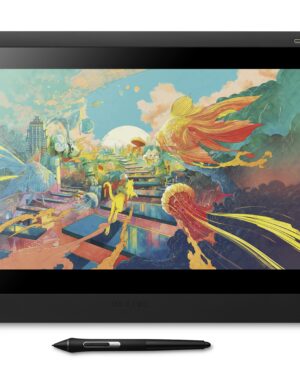 Wacom Cintiq 16
1 × $999.00
Wacom Cintiq 16
1 × $999.00
Subtotal: $999.00
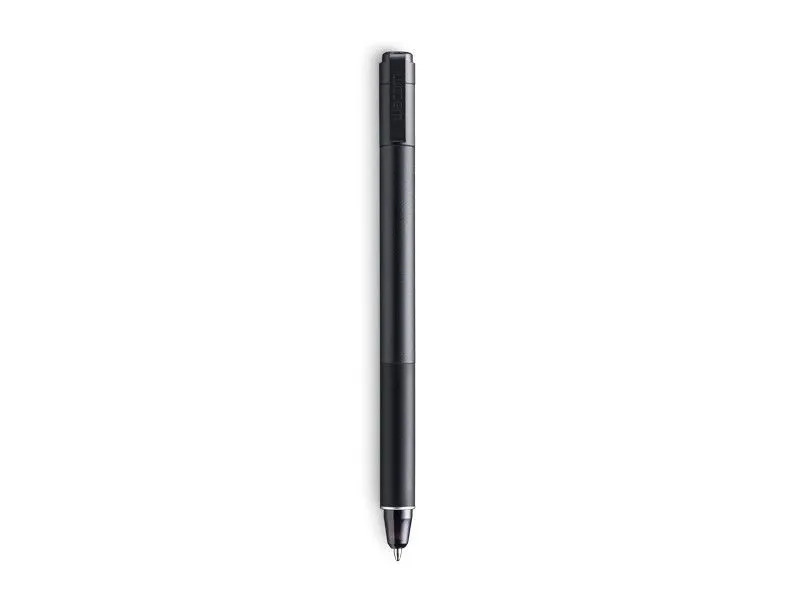
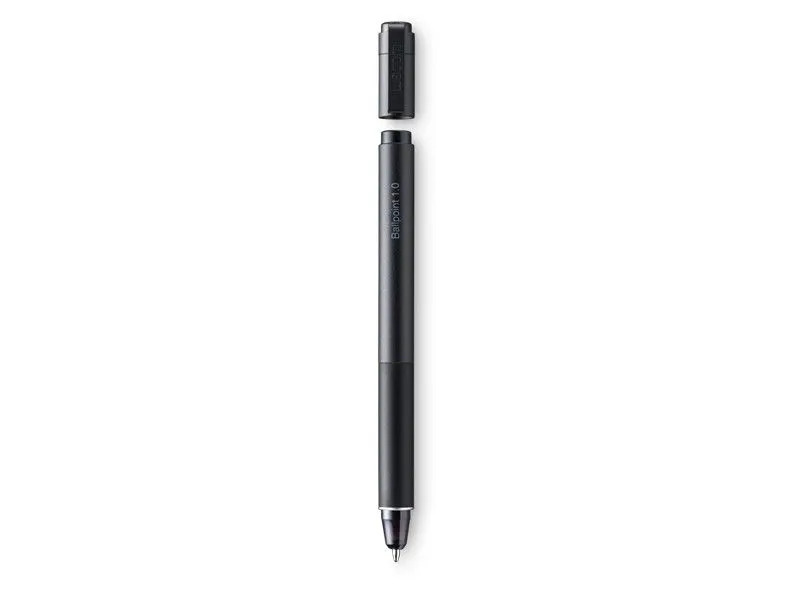
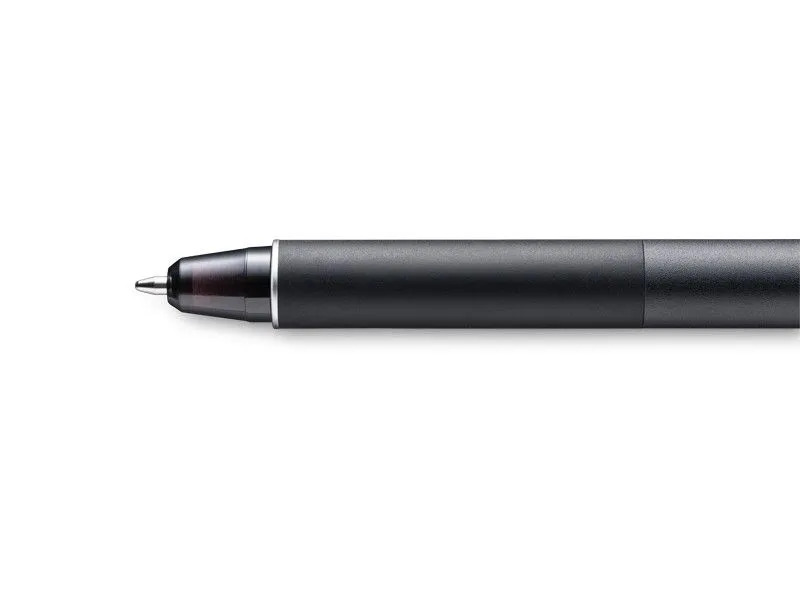

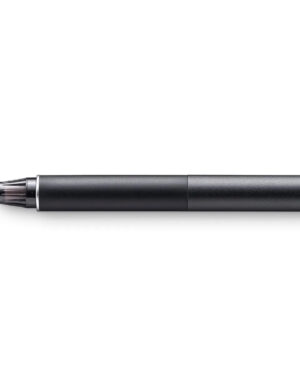
Sketch with speed on Wacom Intuos Pro Paper Edition (PTH-660P, PTH-860P) or Wacom Intuos Pro (PTH-660, PTH-860) with the new Wacom Ballpoint Pen. With 8,192 pressure levels, the 1.0 mm nib and long-lasting black oil ink cartridge give you the freedom to work just as you would with a regular pen. When used with the Wacom Intuos Pro Paper Editon (Medium or Large) or Wacom Intuos Pro (Medium or Large) and Wacom Paper Clip, the tablet can capture every stroke digitally while you draw.
$179.00
Compatibility
What’s Inside
Note: “Wacom Ballpoint BP1.0 refills” should be used for replacing the oil ink cartridge.
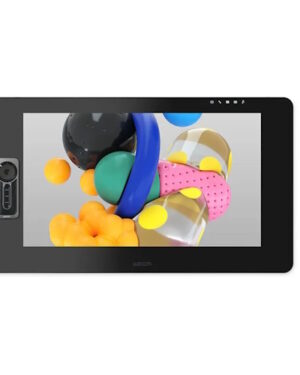
The Wacom Cintiq Pro 24 Touch is an advanced creative pen display, designed to enhance everycreative breakthrough.
Features
Sketch the smallest details on paper with the Wacom Finetip Pen. Its 0.4 mm nib* and black gel ink cartridge pack the latest creative pen technology. Elevate your work with 8,192 pressure levels, giving you the familiar feeling of ink on paper.
*Wacom Finetip FT 0.4 refills must be used to replace the gel ink cartridge. **When used with Wacom Intuos Pro (Medium or Large) and Wacom Paper Clip, the tablet can capture every stroke digitally while you draw. ***Five refills come as standard. Wacom Finetip Pen is included in Wacom Intuos Pro Paper Edition and can be purchased as a replacement pen.
Compatible with: Wacom Intuos Pro (PTH-660, PTH-860)
The first 120Hz 4k pen display featuring both 98% DCI-P3 and 99%Adobe RGB with Pantone Validated certification as well as HDR Gamma support. For creatives, game developers, videographers and photographers and everyone looking for a professional pen display.
Wacom Cintiq Pro 27 is designed for more comfort through our slimmest bezel ever, grip pen express keys and individual mounting options. This graphic display comes with the new Wacom Pro Pen3: 36 pens in 1 pen. Adjust the pen weight, gravity centre and number of buttons amongst other options to make it truly YOUR pen.
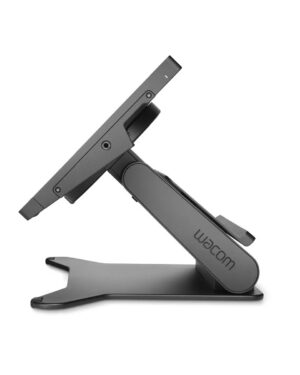
Exclusively tailored for your Wacom Cintiq Pro 17, the Cintiq Pro 17 Stand boasts a design that perfectly complements your graphic display. Elevate your creative experience with the Cintiq Pro 17 Stand, offering additional flexibility and versatility for your workspace. What’s more, it features VESA 75 mount compatibility, ensuring you have even more options for setting up your work environment.
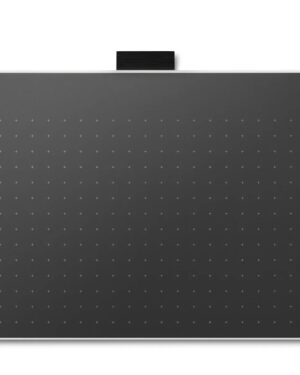
Explore a bold new world of opportunities with Wacom One. As you digitally draw, paint, edit images, take notes, or collaborate wirelessly, there is no limit to what you can do.
With two sizes to choose from, the new Wacom One is ultra-portable while still providing an ample creative workspace.
Wacom One is not just a pen tablet. It comes with everything you need to get started in your creative hobby including free downloadable software, training, and access to ongoing fun and inspiring content to help you get the most out of your product and your creativity.