-
×
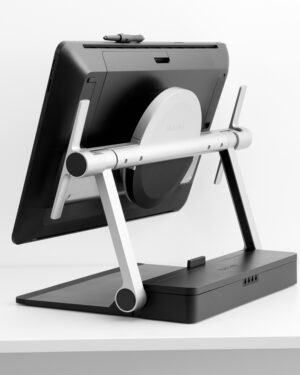 Wacom Cintiq Pro 24 Ergo Stand
1 × $859.00
Wacom Cintiq Pro 24 Ergo Stand
1 × $859.00
Subtotal: $859.00
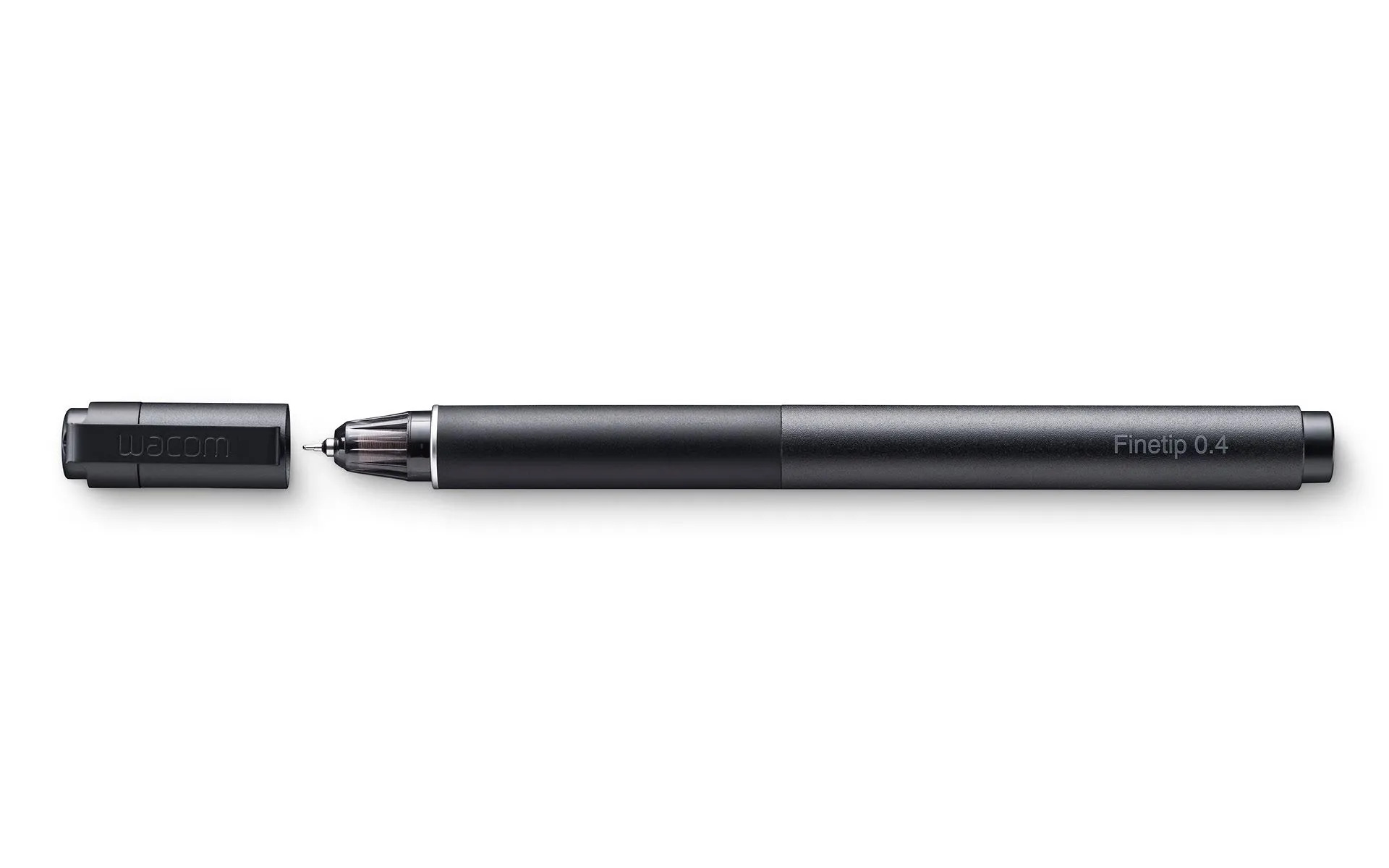
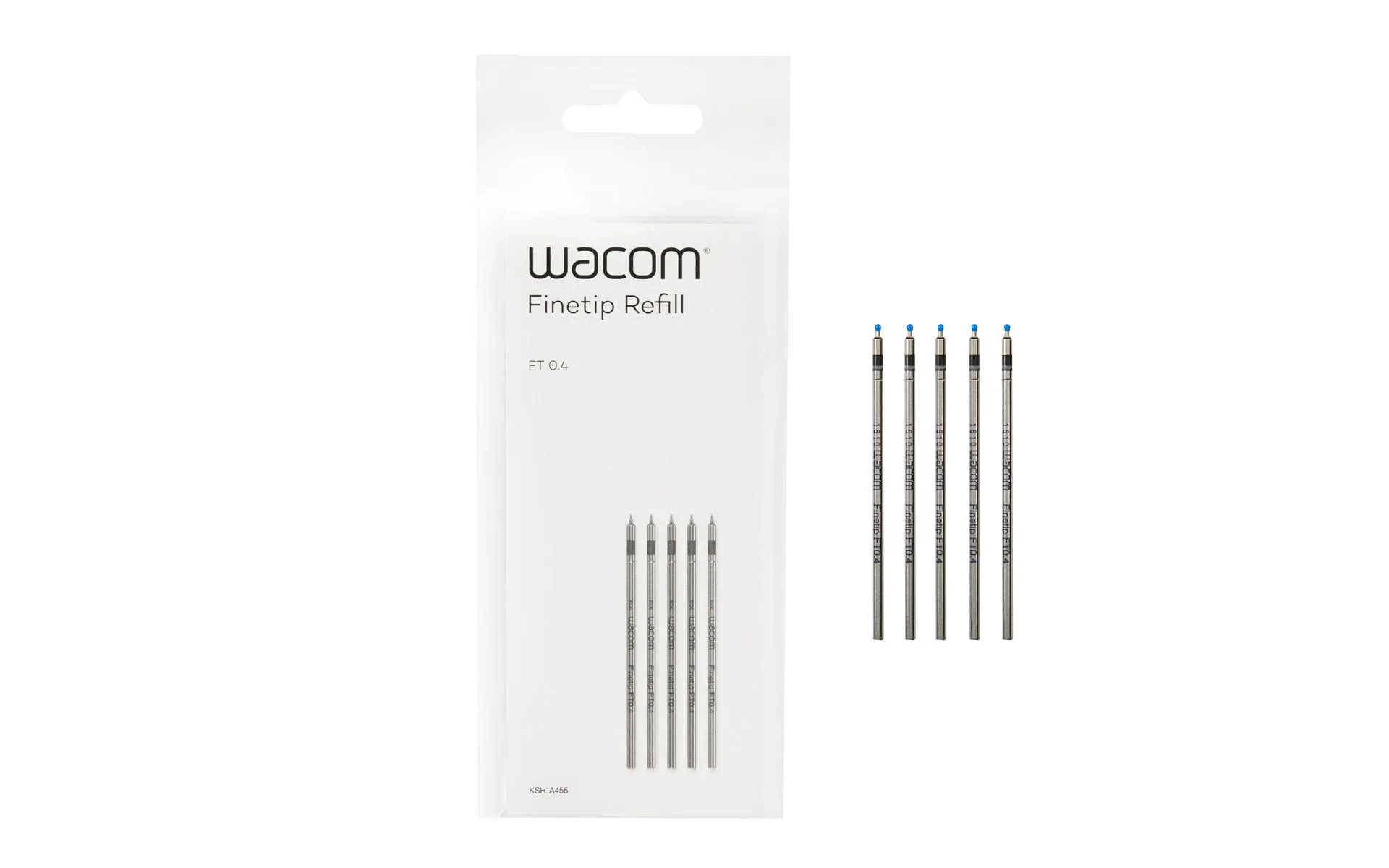
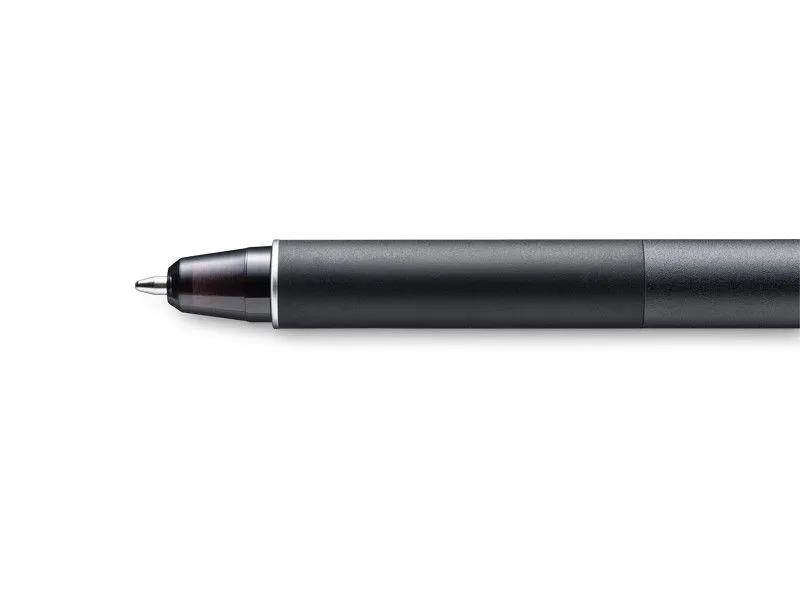
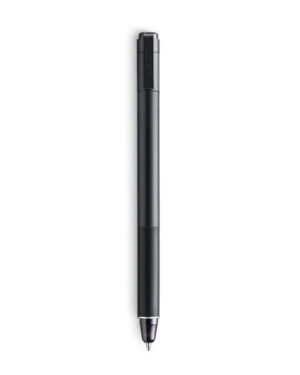
Sketch the smallest details on paper with the Wacom Finetip Pen. Its 0.4 mm nib* and black gel ink cartridge pack the latest creative pen technology. Elevate your work with 8,192 pressure levels, giving you the familiar feeling of ink on paper.
*Wacom Finetip FT 0.4 refills must be used to replace the gel ink cartridge. **When used with Wacom Intuos Pro (Medium or Large) and Wacom Paper Clip, the tablet can capture every stroke digitally while you draw. ***Five refills come as standard. Wacom Finetip Pen is included in Wacom Intuos Pro Paper Edition and can be purchased as a replacement pen.
Compatible with: Wacom Intuos Pro (PTH-660, PTH-860)
$179.00
Wacom Intuos® Pro PTH-660, PTH-860
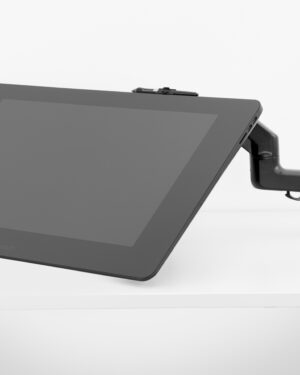
The Wacom Flex Arm with cable management delivers flexibility, design and comfort. Incline, pan and rotate your Cintiq 24 or 32 at your convenience. Mount your Cintiq Pro on your desk, the edge of your desk or as free-floating monitor with a reach of 30” across the desk. The Wacom Flex Arm is sturdy enough to support pressure while using – better than any other display arm.
The Intuos 4K pen works with all the latest Intuos Creative Pen tablets (CTL-4100 and CTL-6100). Cordless, battery-free and with 4096 levels of pressure, it features a programmable side-switch to put shortcuts at your fingertips. Pen comes in black only. Not compatible with older Intuos CTL-480, CTH-480, CTH-680, CTL-490, CTH-490, CTH-690 models, Intuos 3, 4, 5, Intuos Pro tablets or Cintiq products.
Sketch with speed on Wacom Intuos Pro Paper Edition (PTH-660P, PTH-860P) or Wacom Intuos Pro (PTH-660, PTH-860) with the new Wacom Ballpoint Pen. With 8,192 pressure levels, the 1.0 mm nib and long-lasting black oil ink cartridge give you the freedom to work just as you would with a regular pen. When used with the Wacom Intuos Pro Paper Editon (Medium or Large) or Wacom Intuos Pro (Medium or Large) and Wacom Paper Clip, the tablet can capture every stroke digitally while you draw.
Designed for playing Osu! Game, digital drawing, painting, signature in Microsoft Excel, Word, One Note. Nice for kids, students and amateur in digital art.
Battery-free Pen Recognize: No need to charge or battery, allowing continuous use in game play and drawing. 2 buttons on the pen can be customizable.
4096 Levels Pen Pressure: 2 times increased in pen pressure offer more accurate and responsive performance.
Compact Design: 4.8 x 3 inches in working area, 135g in weight and 6.3mm in height. 4 express keys can be customized per your request to improve work flow.
The drawing tablet is compatible with Windows 7 or later, macOS 10.11 or later and many mainstream digital art software like Corel Painter, CorelDraw, Adobe Photoshop, Adobe Illustrator, Adobe Fireworks, Macromedia Flash and so on.
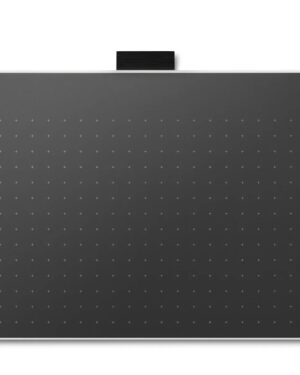
Explore a bold new world of opportunities with Wacom One. As you digitally draw, paint, edit images, take notes, or collaborate wirelessly, there is no limit to what you can do.
With two sizes to choose from, the new Wacom One is ultra-portable while still providing an ample creative workspace.
Wacom One is not just a pen tablet. It comes with everything you need to get started in your creative hobby including free downloadable software, training, and access to ongoing fun and inspiring content to help you get the most out of your product and your creativity.