-
×
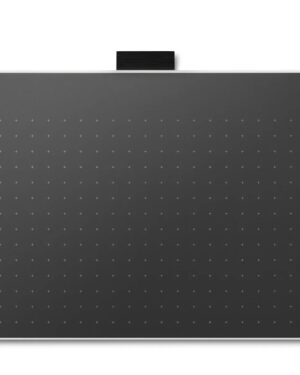 Wacom One pen tablet medium Standard
1 × $249.00
Wacom One pen tablet medium Standard
1 × $249.00 -
×
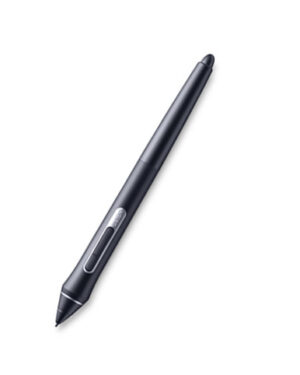 Wacom Pro Pen 2
1 × $169.00
Wacom Pro Pen 2
1 × $169.00
Subtotal: $418.00
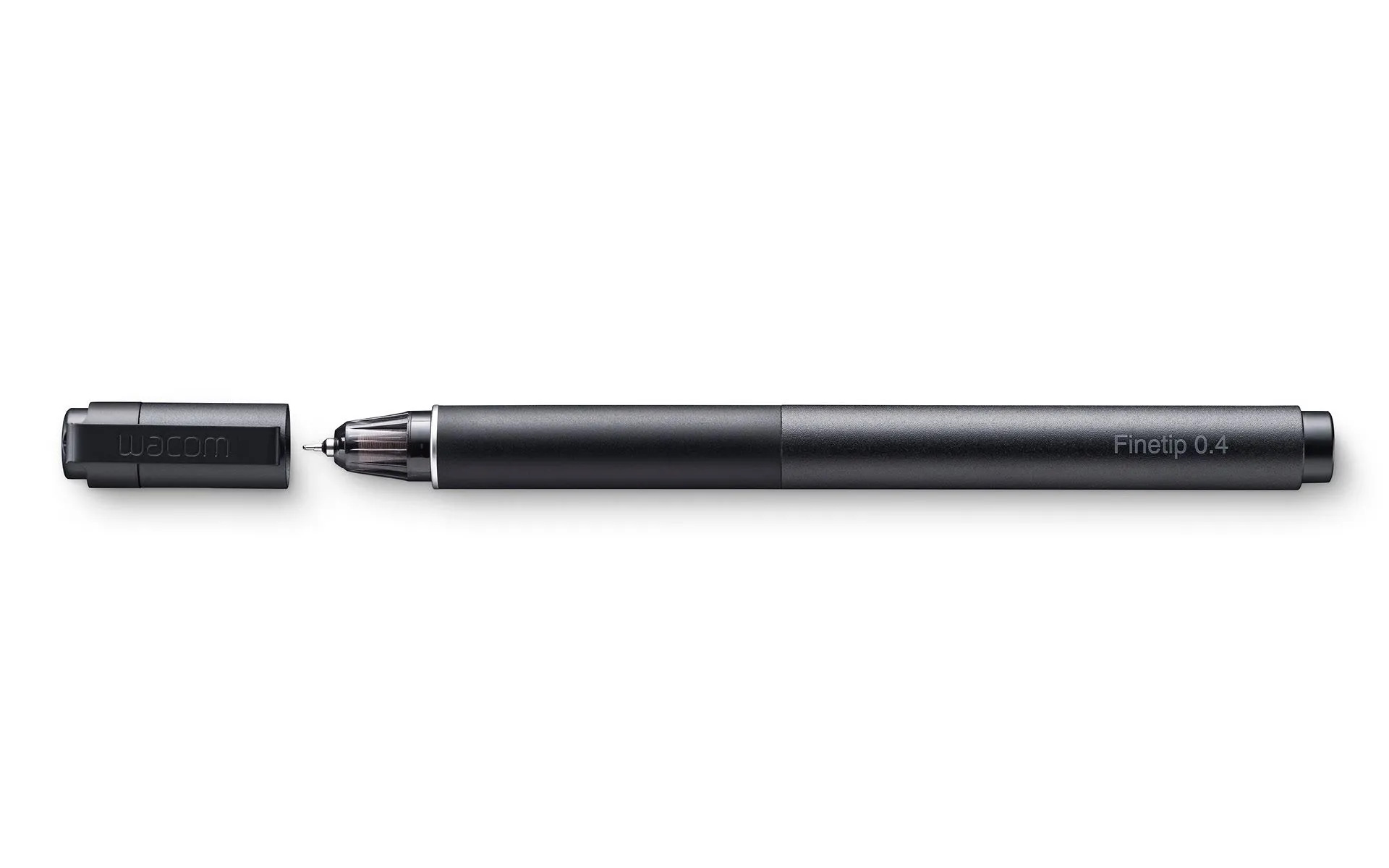
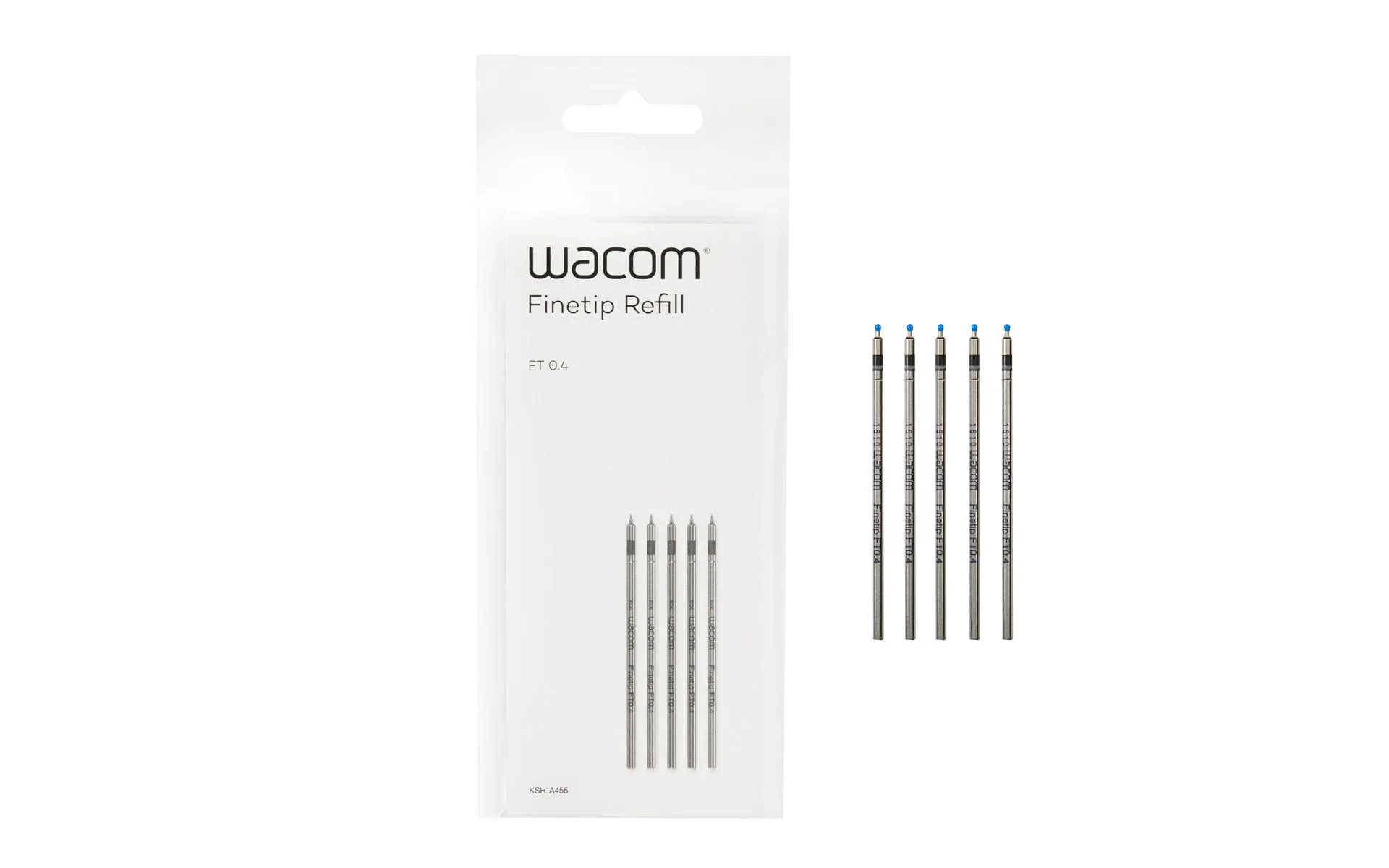
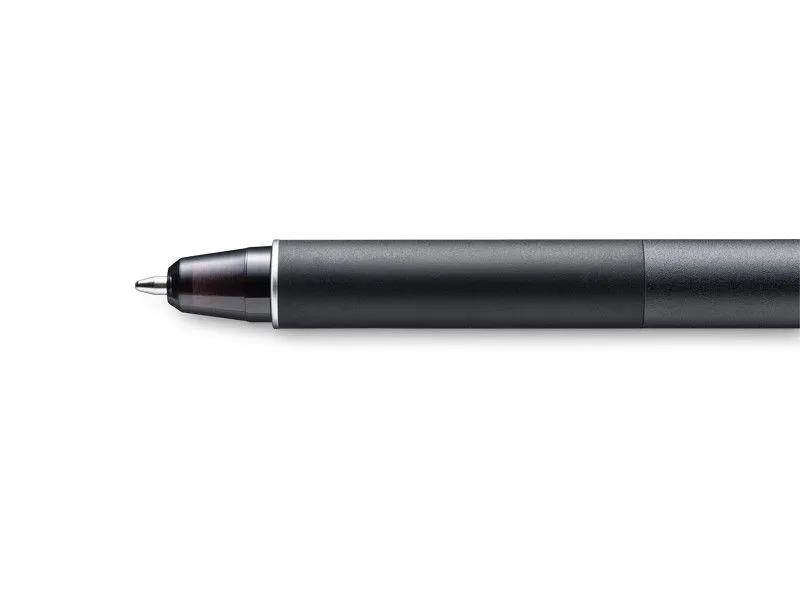
Sketch the smallest details on paper with the Wacom Finetip Pen. Its 0.4 mm nib* and black gel ink cartridge pack the latest creative pen technology. Elevate your work with 8,192 pressure levels, giving you the familiar feeling of ink on paper.
*Wacom Finetip FT 0.4 refills must be used to replace the gel ink cartridge. **When used with Wacom Intuos Pro (Medium or Large) and Wacom Paper Clip, the tablet can capture every stroke digitally while you draw. ***Five refills come as standard. Wacom Finetip Pen is included in Wacom Intuos Pro Paper Edition and can be purchased as a replacement pen.
Compatible with: Wacom Intuos Pro (PTH-660, PTH-860)
$179.00
Wacom Intuos® Pro PTH-660, PTH-860
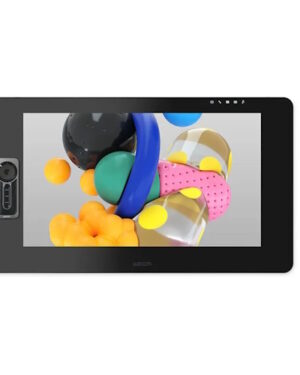
The Wacom Cintiq Pro 24 Touch is an advanced creative pen display, designed to enhance everycreative breakthrough.
Features
Put precision performance at your fingertips with Wacom Pro Pen 2. Built for Wacom MobileStudio Pro, Wacom Cintiq Pro and Wacom Intuos Pro, it features 8192 levels of pressure sensitivity, tilt-response and virtually lag-free tracking. A protective case with three nibs and a nib removal hole is included.
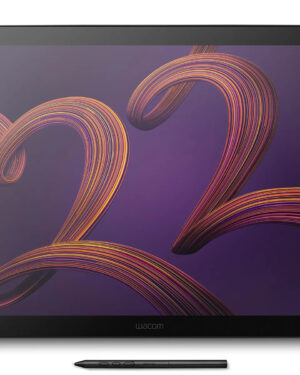
Introducing the pioneering 120Hz 4K pen display, a groundbreaking innovation that offers a remarkable combination of 99% DCI-P3 and 95% Adobe RGB coverage. Certified by Pantone and featuring HDR Gamma support, it’s the perfect choice for creatives, game developers, videographers, photographers, and anyone in search of a professional-grade pen display. The Wacom Cintiq Pro 22 is meticulously crafted to enhance your comfort, featuring our slimmest bezel to date, an ergonomic grip pen, customizable express keys, and a range of individual mounting options. It also includes the innovative Wacom Pro Pen 3. Adjust the pen’s weight, gravity center, button configuration, and more to create a personalized tool that perfectly suits your needs.
Designed for playing Osu! Game, digital drawing, painting, signature in Microsoft Excel, Word, One Note. Nice for kids, students and amateur in digital art.
Battery-free Pen Recognize: No need to charge or battery, allowing continuous use in game play and drawing. 2 buttons on the pen can be customizable.
4096 Levels Pen Pressure: 2 times increased in pen pressure offer more accurate and responsive performance.
Compact Design: 4.8 x 3 inches in working area, 135g in weight and 6.3mm in height. 4 express keys can be customized per your request to improve work flow.
The drawing tablet is compatible with Windows 7 or later, macOS 10.11 or later and many mainstream digital art software like Corel Painter, CorelDraw, Adobe Photoshop, Adobe Illustrator, Adobe Fireworks, Macromedia Flash and so on.
Explore a bold new world of opportunities with Wacom One. As you digitally draw, paint, edit images, take notes, or collaborate wirelessly, there is no limit to what you can do.
With two sizes to choose from, the new Wacom One is ultra-portable while still providing an ample creative workspace.
Wacom One is not just a pen tablet. It comes with everything you need to get started in your creative hobby including free downloadable software, training, and access to ongoing fun and inspiring content to help you get the most out of your product and your creativity.