-
×
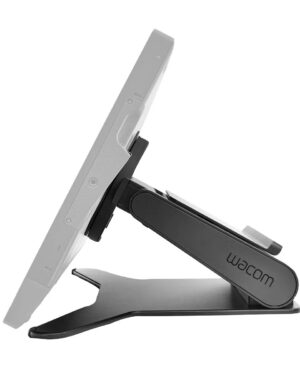 Wacom Cintiq Pro 27 stand
1 × $799.00
Wacom Cintiq Pro 27 stand
1 × $799.00 -
×
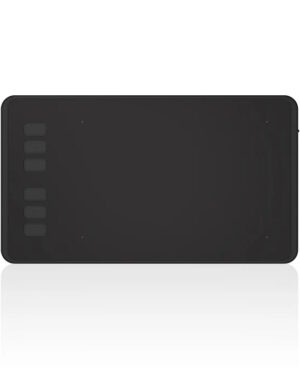 Huion Pen Tablet Inspiroy H640P
1 × $89.00
Huion Pen Tablet Inspiroy H640P
1 × $89.00
Subtotal: $888.00
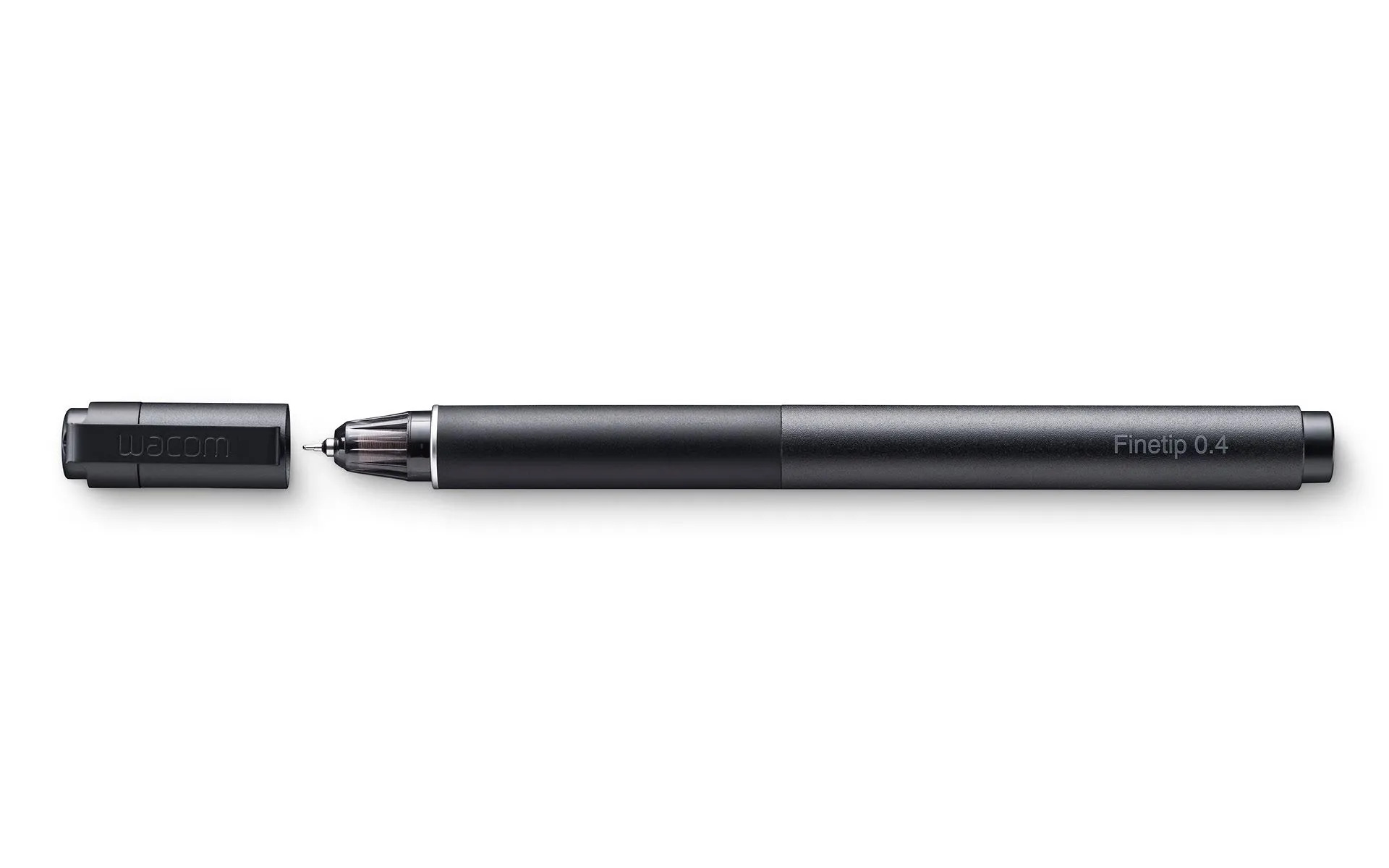
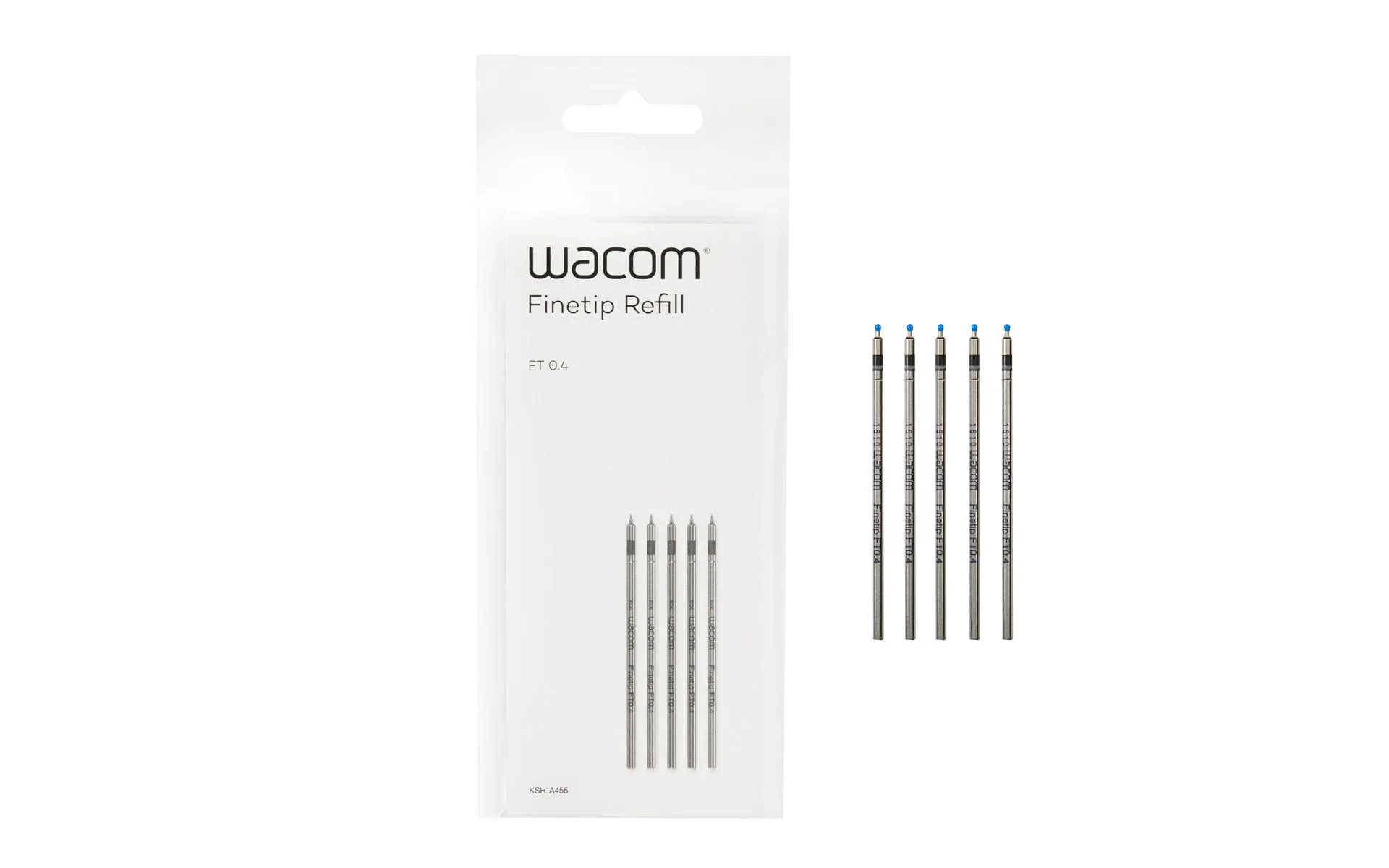
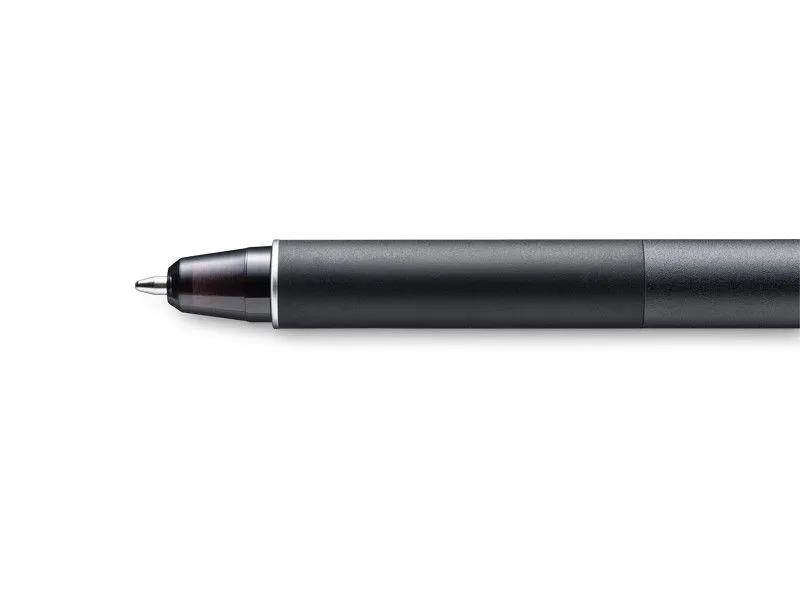
Sketch the smallest details on paper with the Wacom Finetip Pen. Its 0.4 mm nib* and black gel ink cartridge pack the latest creative pen technology. Elevate your work with 8,192 pressure levels, giving you the familiar feeling of ink on paper.
*Wacom Finetip FT 0.4 refills must be used to replace the gel ink cartridge. **When used with Wacom Intuos Pro (Medium or Large) and Wacom Paper Clip, the tablet can capture every stroke digitally while you draw. ***Five refills come as standard. Wacom Finetip Pen is included in Wacom Intuos Pro Paper Edition and can be purchased as a replacement pen.
Compatible with: Wacom Intuos Pro (PTH-660, PTH-860)
$179.00
Wacom Intuos® Pro PTH-660, PTH-860
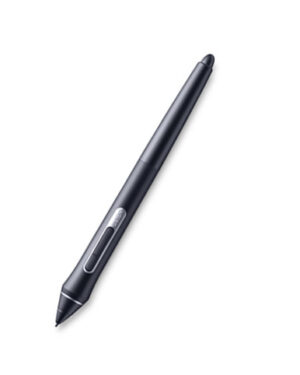
Put precision performance at your fingertips with Wacom Pro Pen 2. Built for Wacom MobileStudio Pro, Wacom Cintiq Pro and Wacom Intuos Pro, it features 8192 levels of pressure sensitivity, tilt-response and virtually lag-free tracking. A protective case with three nibs and a nib removal hole is included.
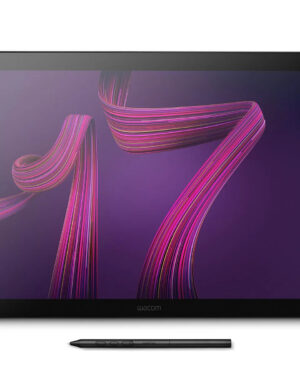
The Wacom Cintiq Pro 17 seamlessly combines a compact design with technological excellence. It boasts a 120Hz 4K pen display, a unique offering in its class, featuring both 99% DCI-P3 and 88% Adobe RGB, complete with Pantone Validated certification and HDR Gamma support. This professional display is perfect for the most demanding painting and retouching tasks. The Wacom Cintiq Pro 17 prioritizes your comfort with its slimmest bezel to date, a responsive grip pen, customizable express keys, and various mounting options. It includes the innovative Wacom Pro Pen 3.
Furthermore, the Cintiq Pro 17 includes the Wacom Cintiq Pro Easy Stand, allowing your creativity to flow instantly and effortlessly.
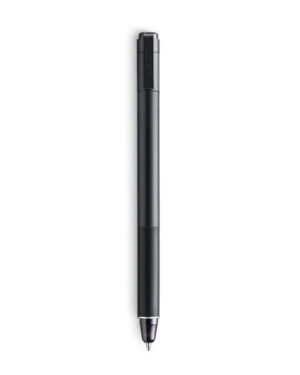
Sketch with speed on Wacom Intuos Pro Paper Edition (PTH-660P, PTH-860P) or Wacom Intuos Pro (PTH-660, PTH-860) with the new Wacom Ballpoint Pen. With 8,192 pressure levels, the 1.0 mm nib and long-lasting black oil ink cartridge give you the freedom to work just as you would with a regular pen. When used with the Wacom Intuos Pro Paper Editon (Medium or Large) or Wacom Intuos Pro (Medium or Large) and Wacom Paper Clip, the tablet can capture every stroke digitally while you draw.
The Wacom One Standard Pen offers a cordless and battery-free drawing experience. Powered by EMR (Electro-Magnetic Resonance) technology, this pen was especially designed for the new Wacom One pen tablets and displays. With its ergonomic design and two side switches, you can easily access customizable shortcuts and commands, enhancing your workflow and creativity. Personalize your Wacom One Standard Pen and make it uniquely yours by easily replacing the front or rear parts (sold separately). With this customization feature, you can tailor the look of your pen to reflect your individual style and preferences, adding a touch of personalization to your creative experience.
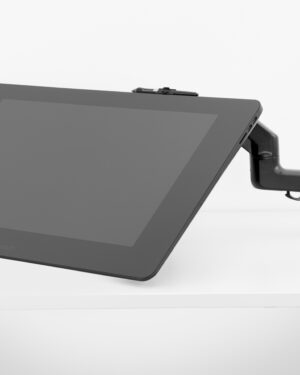
The Wacom Flex Arm with cable management delivers flexibility, design and comfort. Incline, pan and rotate your Cintiq 24 or 32 at your convenience. Mount your Cintiq Pro on your desk, the edge of your desk or as free-floating monitor with a reach of 30” across the desk. The Wacom Flex Arm is sturdy enough to support pressure while using – better than any other display arm.